How to Schedule Social Media for Multiple Platforms Without Losing a Day
Build a scheduling workflow for multiple social platforms, from planning and reuse to pre-publish checks.
- Author
- Kavio Team
- Updated
- May 25, 2026
- Read time
- 4 min read
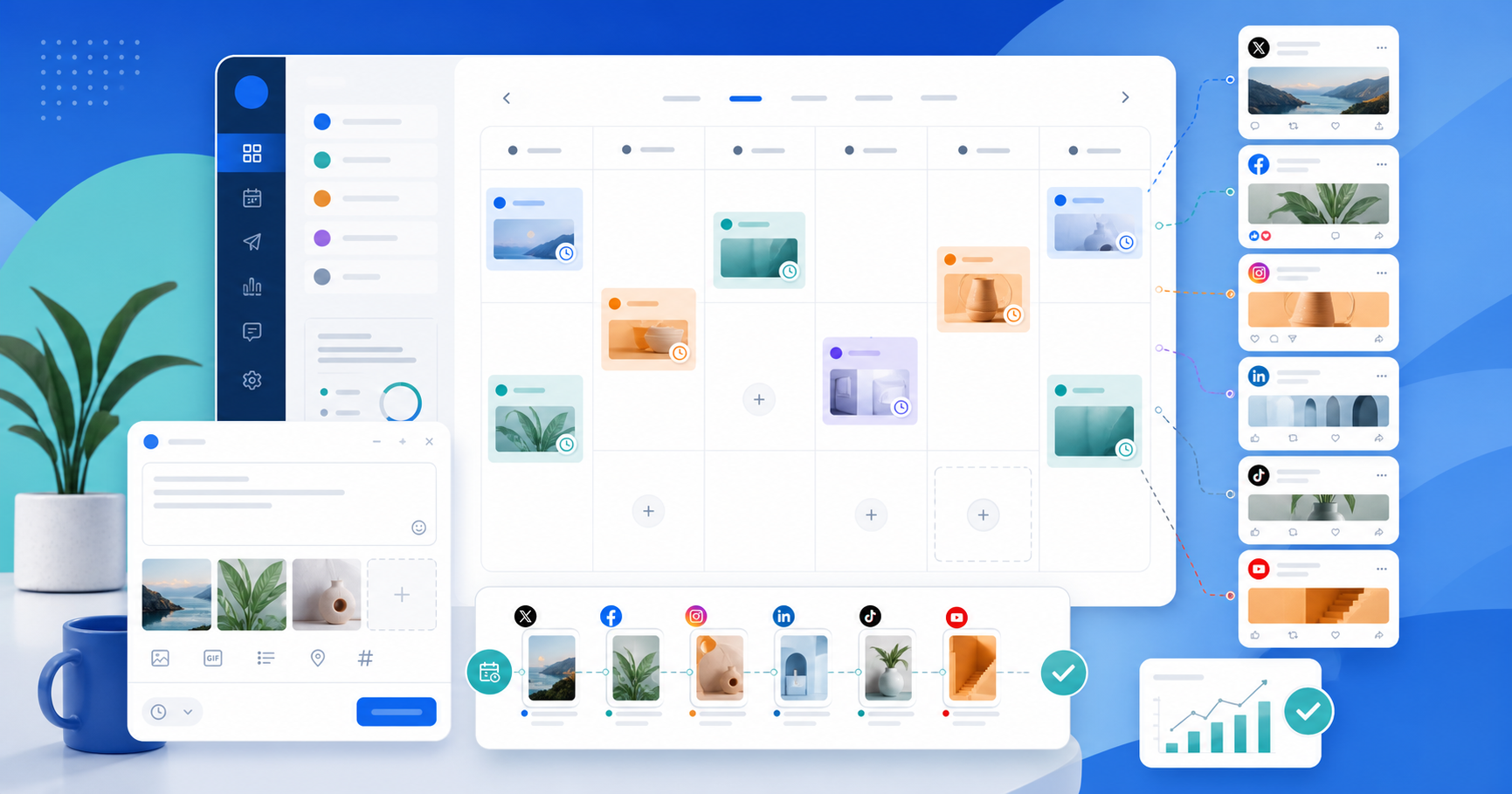
How to Schedule Social Media for Multiple Platforms Without Losing a Day
Posting across Instagram, TikTok, LinkedIn, Facebook, X, YouTube, Pinterest, Threads, Bluesky, and Mastodon sounds simple until you have to open every tab, rewrite every caption, upload every file, and track every publish time. Once platform count goes up, the problem is no longer “write a few more captions.” It is building a system that does not eat your whole day.
A good scheduling process lets you batch creative work, control the calendar for an entire month, and reduce mistakes when publishing across multiple channels. The goal is to shift from daily reaction to batch operation.
1. Define inputs before writing
Many teams start with the caption and lose time. A better start is to define the inputs:
- The post goal: educate, sell, nurture trust, or drive traffic
- Which platforms the post will go to
- Whether it is evergreen or campaign-based
- Whether it needs images, video, carousel, or text only
- Whether it needs review before publish
When those answers are clear, writing and scheduling both move faster.
2. Start with one shared content calendar
Do not create a separate plan for each platform first. Start with a shared calendar using three basics:
- The topic of the post
- The planned publish date and time
- The post goal: educate, sell, nurture trust, or drive traffic
That shared calendar makes gaps visible, avoids overposting one topic, and makes it easier to move posts when a campaign changes.
3. Write one master version, then tailor it per platform
Write a single master post first. Then adapt it for each platform:
- LinkedIn needs a clearer opening and a stronger expert angle
- X needs to be short, direct, and fast to scan
- Instagram and TikTok need captions that support the visual
- Pinterest needs searchable titles and descriptions
This keeps the message consistent without making every platform a copy of the others.
4. Gather assets before scheduling
One of the biggest time sinks is scattered assets: images on a laptop, video in Drive, logos in another folder, captions in Notion.
Before you schedule, gather:
- Images, video, thumbnails, and design files
- Reusable hashtags or signatures
- Destination links and UTM tags
- Notes on voice, message, and CTA
In Kavio, assets, signatures, and content can live in the same workspace so you do not need to upload the same file repeatedly.
5. Check each version before publishing
The biggest mistakes usually happen at the end: truncated captions, bad aspect ratios, wrong client account, or the wrong timezone.
Before you schedule, check:
- The right account is selected
- The content fits the platform
- The image or video format is correct
- Links, hashtags, and CTA are accurate
- The publish time fits the campaign schedule
If you work with a team, a review step before publish reduces the chance of brand voice mistakes.
6. Schedule in batches, not one post at a time
Instead of opening the tool every day for one post, block one or two sessions each week to schedule in batches. For example:
- Monday: schedule educational content for the week
- Wednesday: prepare promotional or feature-launch content
- Friday: review next week and fill gaps
Batch work keeps your thinking intact, reduces repetitive actions, and gives you a better view of the calendar as a system.
7. Track results to improve the next calendar
Scheduling is not just setting publish times. After content goes live, look at which platforms respond well, which topics get signals, and which formats are worth repeating.
Useful metrics include:
- Reach and impressions
- Link clicks
- Saves, shares, or comments
- Which posts perform best on each platform
Then you can adjust the next month based on data instead of guesswork.
8. Use labels to organize the schedule
Once the calendar gets busy, labels help you see quickly:
- Which campaign a post belongs to
- Which posts are evergreen
- Which posts are waiting for approval
- Which posts need to be published first
Labels are more than tags. They are the navigation layer for the content calendar.
Suggested workflow with Kavio
Start with a simple flow:
- Create a workspace for the brand or client
- Connect the social accounts you need
- Build the content calendar by week or month
- Write the master version and use AI if you want a faster draft in the brand voice
- Tailor the post for each platform
- Preview, check assets, and schedule
- Review results and improve the next content cycle
If you spend hours each week copying content between platforms, a centralized publishing calendar will make the work much lighter. Kavio is built for exactly that: create, schedule, and publish content across 12 platforms from one place.
Quick FAQ
Should I write a separate post for every platform?
Not always. Starting from one master version and tailoring it per platform is usually faster and more consistent.
Should I schedule by day or by week?
If you publish regularly, weekly scheduling is often enough. If you manage a larger team or multiple campaigns, a monthly view gives you a better picture.
Who is Kavio for?
Creators, marketing teams, and agencies that need one place to manage multi-platform content without juggling several tools.