How to Manage Multiple Social Media Accounts in One Place
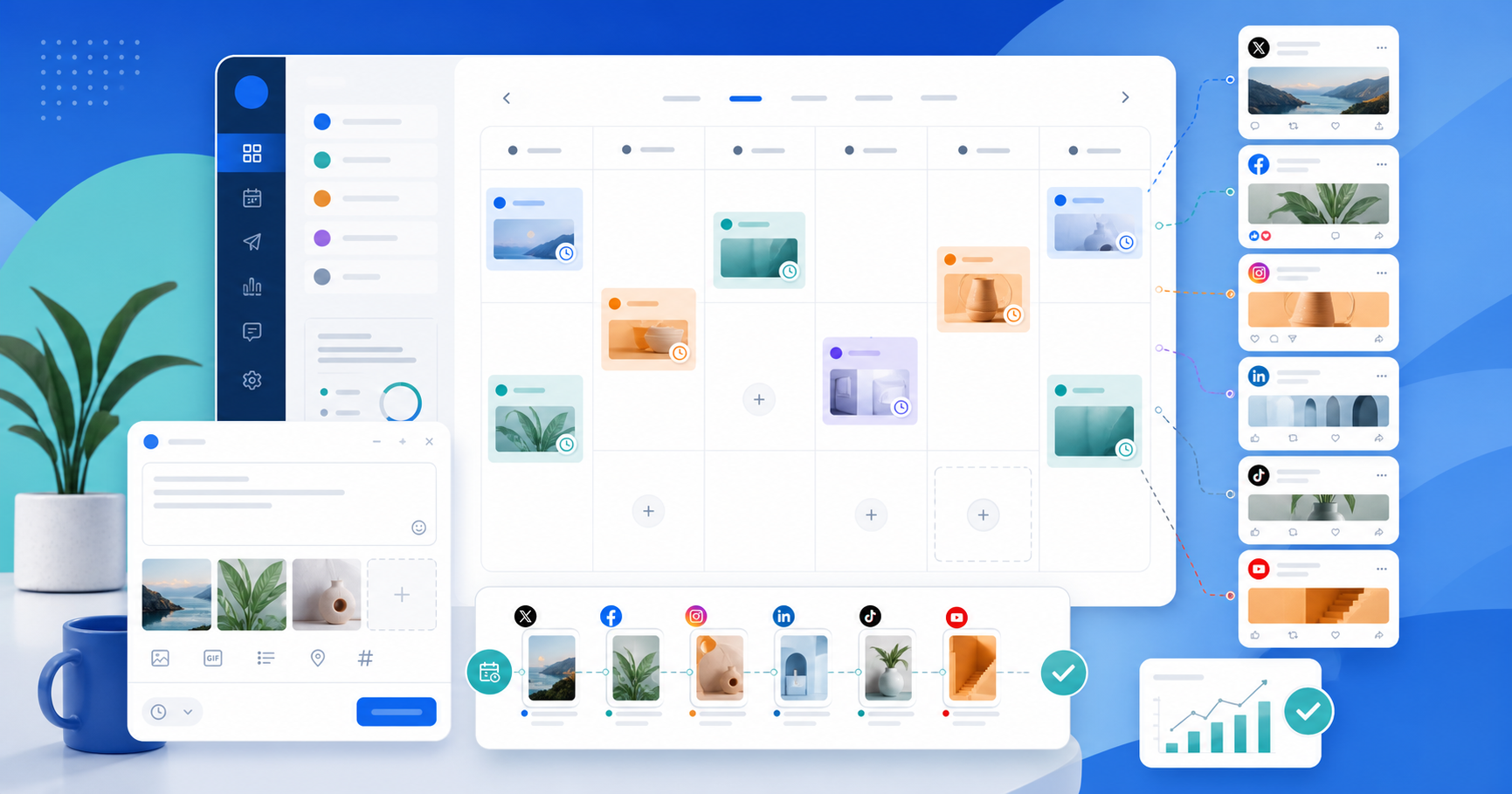
Bring all your accounts into one workspace, toggle them on and off, and avoid posting to the wrong brand or client.
- Author
- Kavio Team
- Updated
- May 26, 2026
- Read time
- 3 min read

How to Manage Multiple Social Media Accounts in One Place
As account count grows, the problem is no longer “can we publish?” It becomes “can we publish to the right place, at the right time, without mistakes?” Add one more brand or client and suddenly you are juggling passwords, tabs, calendars, and the risk of posting to the wrong account.
Kavio solves that with workspaces that can hold multiple social accounts, posts, labels, and team members. The goal is structure, not manual overhead.
1. Start with your org model
Before connecting accounts, define your structure:
- One brand only
- Multiple brands in one company
- An agency with multiple clients
- Personal and business accounts separated
Each setup needs a different organizational approach. If you do not decide this first, the account list turns messy fast.
2. Separate workspaces first
If you manage multiple brands or clients, do not put everything in one place.
Use one workspace per brand or client. That helps you:
- Keep content, calendar, and assets separate
- Avoid selecting the wrong account
- Make team permissions easier
- Keep analytics and notifications from mixing
If you only manage one brand, one workspace is enough. But once you add clients or separate teams, workspace structure saves time quickly.
3. Connect accounts based on purpose
Not every account needs to be active for every post. Some accounts are for core content, some are for campaigns, and some should be paused temporarily.
In Kavio, each social account can be active or inactive:
- Active: included in new posts
- Inactive: excluded from new posts but not removed
That gives you more control when you need to pause a channel without disconnecting it.
4. Use a clear naming convention
The account name is the first thing you see, so make it easy to scan.
Examples:
Kavio - LinkedIn CompanyKavio - InstagramClient A - Facebook PageClient B - TikTok
A consistent naming system cuts down on mistakes, especially when you manage the same platform across multiple brands.
5. Tie accounts to your team workflow
Many teams make the mistake of letting one person own every connection. If that person is away, the workflow stalls.
Define:
- Who manages account connections
- Who writes content
- Who reviews before publishing
- Who tracks performance afterward
If your team is large, use Admin, Member, and Viewer roles instead of sharing logins.
6. Track connection health
Social accounts can disconnect or expire. When that happens, a scheduled post can fail on one platform while the others still go through.
That is why you should check:
- Which accounts are connected
- Which accounts are inactive
- Which accounts need reconnecting
- Which accounts are campaign-specific
When you get a disconnected-account notification, fix it quickly so your schedule stays intact.
7. Use least-privilege access
If a team member only needs to view the schedule, make them a Viewer. If they need to create and edit posts, make them a Member. If they need to manage connections and the team, make them an Admin.
Less access for the right people means fewer mistakes.
8. Use labels to separate workflows
Labels help you quickly see which accounts and posts are used for:
- Active campaigns
- Evergreen content
- Client work
- Posts waiting for review
When labels, workspaces, and naming work together, the schedule becomes much easier to read.
Quick checklist
- Each brand or client has its own workspace
- Accounts follow one naming convention
- Temporary accounts are set to inactive
- The team has clear permission boundaries
- Notifications for disconnected accounts are on
Managing multiple accounts should not live in someone’s head. The more accounts you have, the more structure you need. That is why Kavio keeps workspaces, social accounts, labels, and team roles in one system instead of scattering them across separate tools.